> For the complete documentation index, see [llms.txt](https://flokifi.gitbook.io/flokifi-documentation/llms.txt). Markdown versions of documentation pages are available by appending `.md` to page URLs; this page is available as [Markdown](https://flokifi.gitbook.io/flokifi-documentation/flokifi-locker/my-vault/viewing-your-locked-released-unlocked-assets.md).
# Viewing your Locked/Released/Unlocked assets
You can see your all vaults in this page.
A locked asset will show like this:
You can see how much time is left here.
Here's how released and unlocked assets look like in our vault:
To view unlocked assets, you need to enable this option:
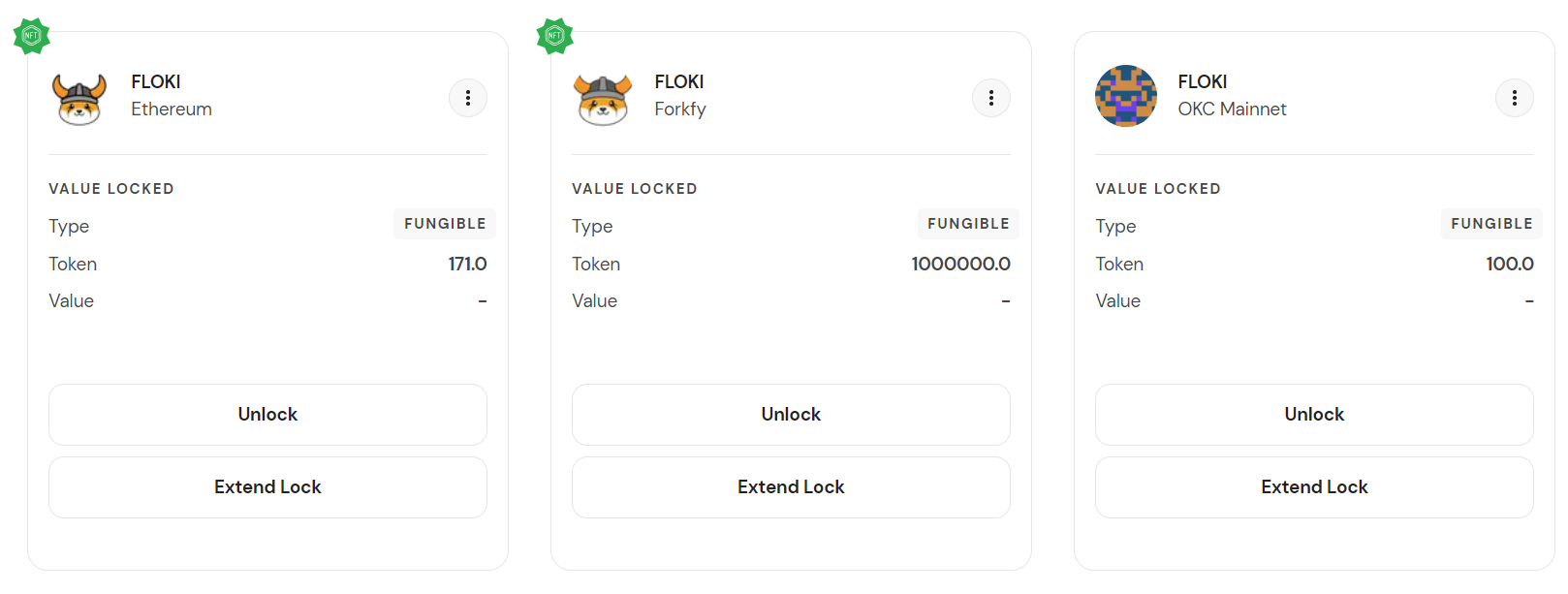
If you minted a Vault Key, you will see a green badge top of your vault:
If it's a vested lock, you will see an orange badge: